
1win Registration Process in Nigeria: Open Your Naira Account in Minutes
You can finish your 1win register in just a minute using your phone, email, social media, or crypto wallets. You can use Nigerian naira by calling with a +234 prefix to get started. One account functions on the website, Android app, and iPhone web app. Depositing at least ₦1,000 gives you 500% and 500 free spins spread over four deposits.
Create your NGN account today and grab your welcome deal.
Content
1win Registration Options: Phone, Email, Social Networks and Crypto Wallets
You can register a profile using a contact form, social media accounts, or Web3 wallets. For future logins, always stick to your sign-up method.
| Method | What you need | Best for |
|---|---|---|
| Phone and Email | NGN currency selection, +234 number, email, 8+ character password, optional promo code | Nigerian players wanting a direct naira profile |
| Active Google profile linked in one tap | Fast sign-up on any device | |
| Telegram | Connected Telegram profile | Quick website account creation |
| MetaMask | Active MetaMask browser extension or app | Ethereum and Web3 token holders |
| WalletConnect | Compatible mobile crypto wallet scan | Multi-chain cryptocurrency players |
| Trust Wallet | Installed Trust Wallet mobile app | Mobile cryptocurrency players |
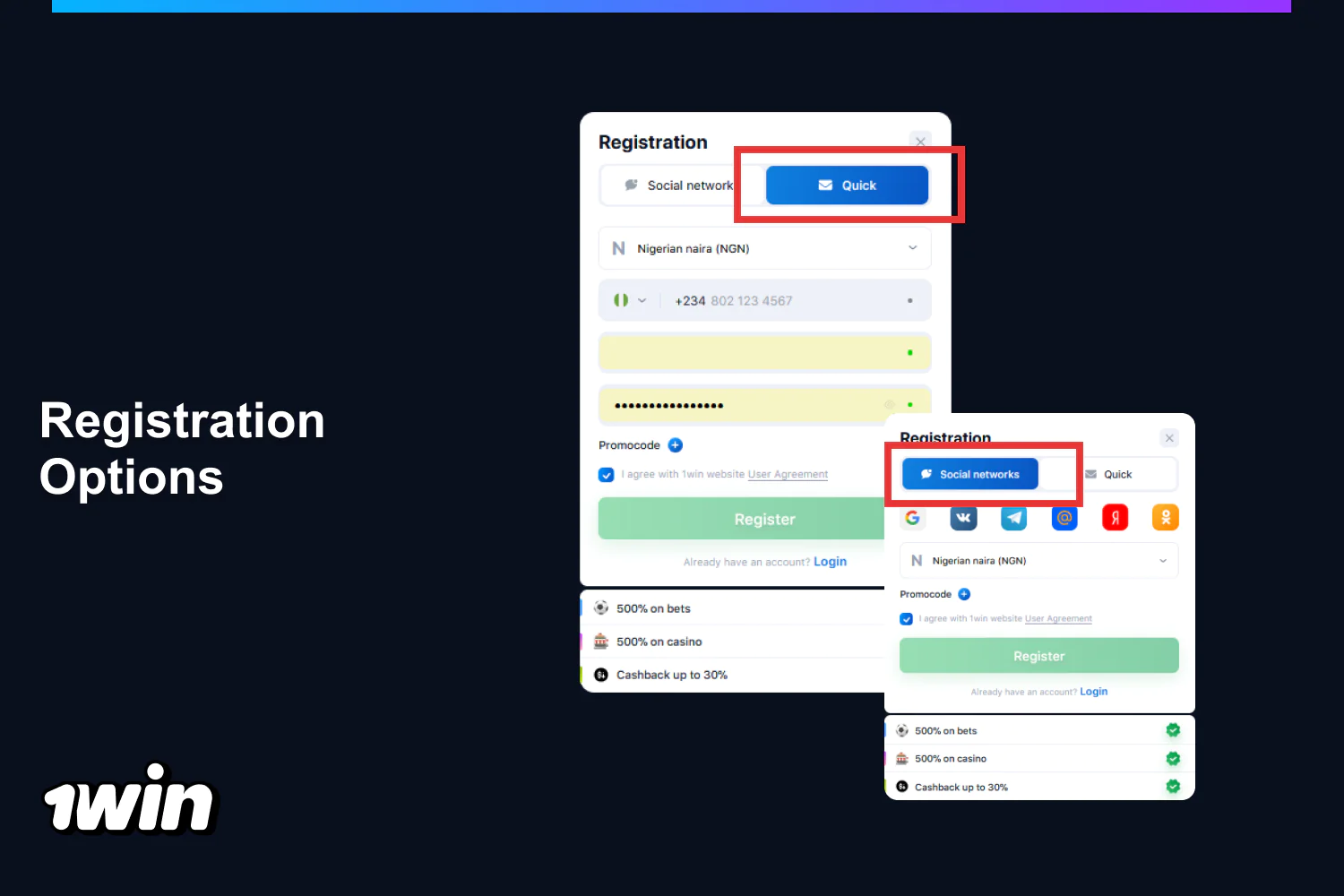
How to Complete 1win Sign Up?
Getting your 1win sign up done on the official site needs some contact info and takes less than a minute. Follow these steps in the registration window to establish your currency balance.
- Open the form. Click the green 1win Registration button located in the top right corner.
- Choose your currency. Keep the Nigerian naira as your option, or choose a cryptocurrency instead.
- Input your phone number. Type your number following the +234 code.
- Include your email. Input an address for security codes and alerts.
- Set up a password. Type in a mix of at least 8 characters.
- Enter a code. Click on Add promo code to put in a bonus code if you have one.
- Agree to the rules. Leave the checkbox for the User Agreement confirmation checked.
- Go ahead and submit your profile. Click on Register to sign in instantly.
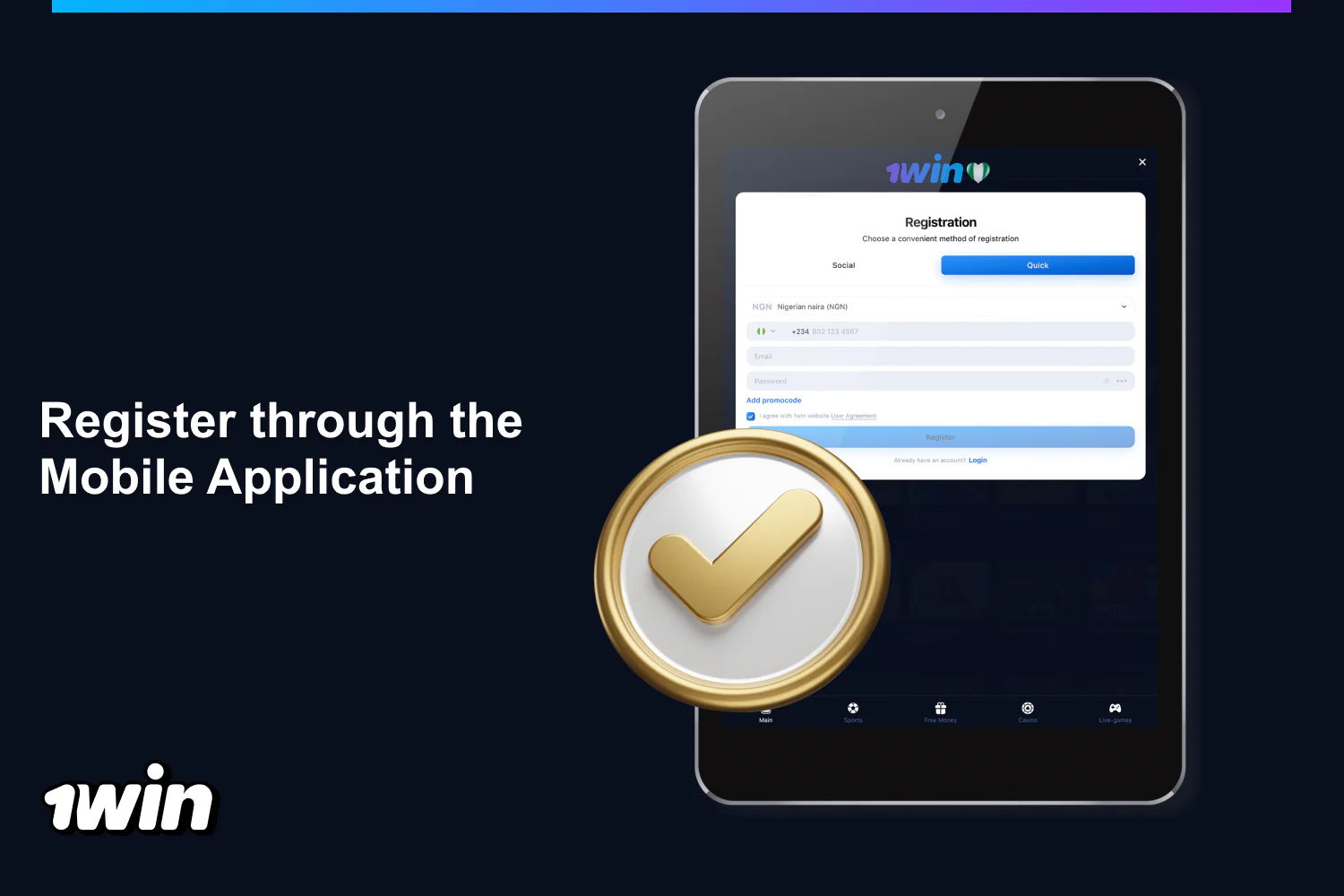
Steps to Complete Registration in 1win though the Mobile App
Before you do 1win registration using the desktop method, you can grab the mobile app for your smartphone. Setting up the app on your device gives you a bonus of 200 1win Points.
- Click the app banner. Select the 200 Points installation banner found at the bottom of the mobile site.
- Get the app installed. For Android: grab the APK, enable unknown sources, and hit Install. For iPhone: go to Safari, hit Share, choose Add to Home Screen, then hit Add.
- Open the form. Launch the app you’ve installed and hit Registration.
- Fill in your information. Pick NGN and enter your +234 phone number, email address, and password.
- Submit your profile. Tap Register to set up your account and link your balance with the site.
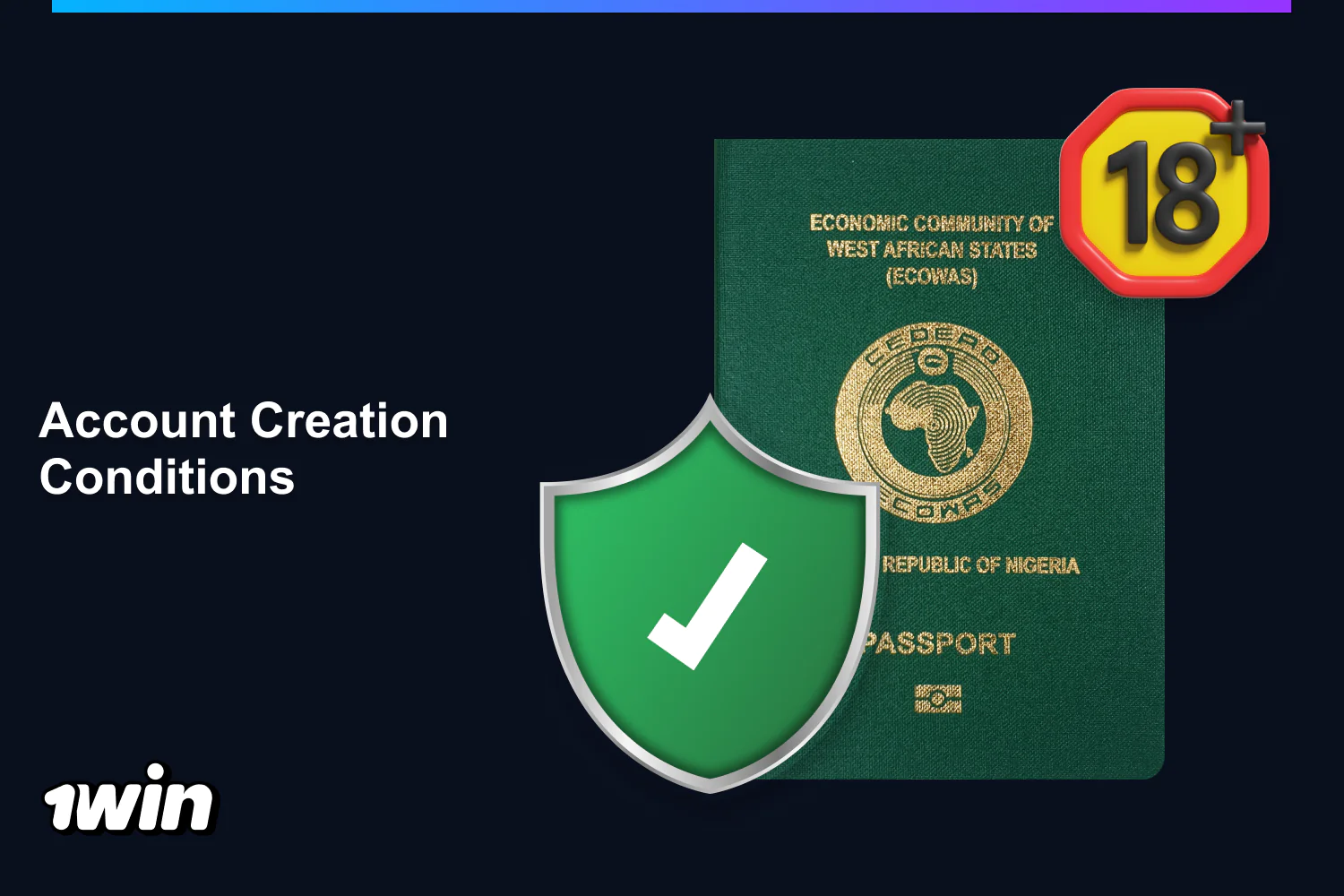
Registration Requirements and Conditions for Nigerian Players
Following 1win’s rules before signing up helps keep your balance safe and avoids payout issues. To keep your account active and make sure you can withdraw your winnings, follow these conditions:
- Minimum age: you need to be at least 18 years old;
- Single profile: only one account is allowed, and any duplicates will be closed with canceled transactions;
- Location rule: you must register in Nigeria and not live in a restricted country;
- Personal play: all bets must be placed for yourself, using your own funds;
- Data accuracy: ensure your details are correct, as false information will void your winnings;
- Network restriction: using VPNs, proxies, or tools that change your location isn’t allowed;
- Payment ownership: only bank cards and accounts in your name can be used, and self-excluded players can’t participate.
1win Verification: How to Confirm Your Account
To secure your 1win verification and enable bank payouts, start with an email check before making your first withdrawal. Identity document checks kick in when your total withdrawals hit about ₦750,000.
- Open Settings. Check your profile menu to see if your phone and email need verification.
- Make sure to confirm your email. Tap your email, type in the inbox code, and grab 100 1win Points.
- Verify your phone. Tap in your phone number and type the last four digits of the incoming call to earn 100 Points.
- Get your files ready. Take a picture of your passport or ID, a utility bill that’s not older than three months, and your bank card.
- Then, send those documents. Upload the photos you need to submit anytime with our 24/7 support.
- Finish the AML checks. Wait for the security team to check your data against AML lists before payouts can start up again.
Welcome Bonus After Registration at 1win: Rewards From the First Deposit
Once you create your profile, you can take advantage of four-part deposit packages for casino play. Completing the account tasks will also earn you 400 Points in loyalty rewards.
| Package | Deposits | Bonus and free spins | Key terms |
|---|---|---|---|
| Fiat Casino Welcome | First 4 deposits | 500% total (100% + 70, 120% + 100, 130% + 150, 150% + 180 free spins) | ₦1,000 minimum deposit, x30 turnover in 30 days, ₦750,000 first deposit cap |
| Crypto Casino Welcome | First 4 deposits | 600% total (130% + 70, 140% + 100, 160% + 150, 170% + 180 free spins) | Cryptocurrency deposits only, free spins unlock after cash bonus turnover |
Personal Account: Your 1win ID, Balance and Key Sections
Just tap your username in the top left corner to access your profile menu and see your 9-digit 1win ID right underneath. Use the copy icon next to those numbers each time you get in touch with the support team.
- Account: shows your balance in Nigerian naira along with the Deposit and Withdraw options;
- Bonuses: keeps track of your deposit rewards and any free spins you have;
- Bonus codes: activates promo vouchers for extra perks;
- VIP Loyalty Program: displays your loyalty level and progress;
- Bet history: shows all your open and settled bets in the sportsbook;
- Transaction history: records the status of your naira deposits and withdrawals;
- Settings: lets you change your name, birthday, country, phone, email, password, and device sessions;
- 24/7 support: connects you directly to live chat, the Telegram bot, and email;
- Logout: signs you out of your profile on the current device.
Password Recovery: How to Restore Access to Your 1win Account
You can regain access to your profile using your registered phone number or email address. A countdown appears with recovery codes, and if there are too many requests, you’ll face a wait.
- Open recovery. Click on Login, then choose Forgot your password.
- Select a channel. Choose to recover using your Phone or Email.
- Input your contact details. Type in your registered phone number starting with +234 or your email address.
- Then, verify the code. Input the SMS or email code, or just enter the last 4 digits from the incoming call.
- Create a password. Enter a password that’s at least 8 characters long, using 1 digit, and a mix of upper and lowercase letters, with at least half of the characters being different.
- Log back in. Wait for the notification that your password has been changed, then log in using your password.
How to Delete 1win Account: Closing Your Profile Step by Step
To learn how to delete 1win account, you’ll need to reach out to support since there’s no option in your settings to delete it yourself. You can pick either a 1-year irreversible self-exclusion or a closure, and only the balance you have will remain available for withdrawal.
- Cash out funds. Withdraw any Nigerian naira to your bank account.
- Get in touch with support. Message us anytime via our live chat, reach out to @FAQ_1win_bot on Telegram, or email us at [email protected].
- Ask for closure. Ask to close your account or exclude yourself by providing your 9-digit ID, email, or phone number.
- Make sure to confirm deactivation. Reply to complete the hold on your profile.
- Keep your documents safe. Keep any receipts you might need, since your ID and transactions are kept on file according to AML regulations.
FAQ
Can I open a second 1win account?
No, you’re only allowed one account per person. Duplicate profiles are shut down right away, and all transactions are cancelled.
Can I update my phone number or email after 1win registration?
Absolutely! Just go to Settings in your profile, pick your phone number or email, type in your info, and verify it with the code you’ll receive.
Is it allowed to register 1win using a VPN?
Nope, using VPNs, proxies, or any tools that change your location isn’t allowed. Violating the rules can lead to suspending your account and losing your winnings.
Do I need to get verified before placing my first bet?
No, you can start making deposits and placing bets immediately after 1win registration. You just need to verify your account before making your first withdrawal.